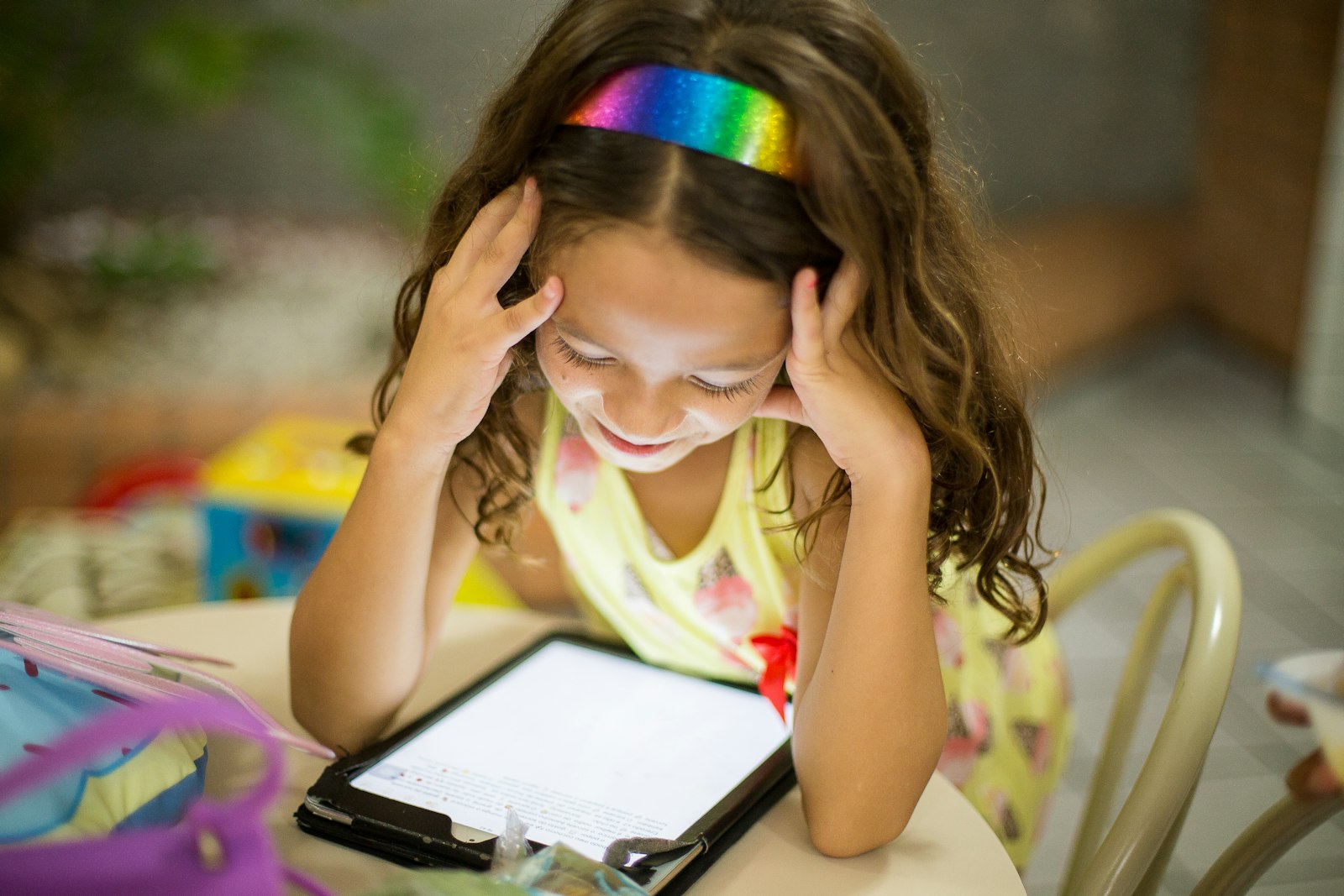
Online school means more accounts, more apps and more time online. A few habits keep students’ information and devices safer.
Quick takeaways
- Use long, unique passwords or passphrases, and a password manager or written list kept safe at home.
- Turn on multifactor authentication where it’s available.
- Teach kids to pause before clicking links or downloading files, even in messages that look like they’re from school.
- Under COPPA, covered sites and apps must get a parent’s consent before collecting personal information from children under 13.
- Keep devices and apps updated, and agree on family rules for what children share online.
Online learning brings a lot of accounts: the school platform, video lessons, learning apps and email. Each one is a little window into your child’s information. You don’t need to be a tech expert to keep things safe; a few habits cover most risks.
Strong passwords
- Use long passwords or passphrases, such as several random words together, rather than short ones with a few symbols.
- Use a different password for each account, so one leak doesn’t unlock everything.
- Store them in a password manager, or for younger kids, in a written list kept safely at home.
- Never share passwords with friends, even best friends.
Multifactor authentication
Multifactor authentication (MFA) asks for a second step, like a code from a phone app, after the password. Turn it on wherever it’s available, especially for email accounts, which are often used to reset other passwords. For younger children, a parent can manage the second step.
Spotting scams and suspicious links
Teach kids to stop and check before clicking. Warning signs include:
- Messages that create urgency, like “Your account will be deleted today.”
- Requests for passwords or personal information.
- Links or attachments they weren’t expecting, even from a familiar name.
- Spelling mistakes or odd addresses.
When in doubt, students should ask an adult or contact the teacher through the school platform rather than replying to the message.
Helpful tip
Practice together: show your child a few example scam messages and ask them to spot the warning signs. It turns a lecture into a game.
Privacy for children under 13
The Children’s Online Privacy Protection Act (COPPA) is enforced by the Federal Trade Commission. According to the FTC:
- It applies to websites and apps directed to children under 13, and to general sites that know they’re collecting information from children under 13.
- Covered sites must notify parents and get their approval before collecting, using or sharing a child’s personal information.
- Parents can review what has been collected, revoke consent and have the information deleted.
Before your child signs up for a new learning app, read how it uses children’s information and who to contact with questions.
Keep devices updated
Install updates for the operating system, browser and apps when prompted. Updates often fix security problems. Using school-managed devices or accounts where provided can also help, because schools often set up protections.
Family rules for sharing
Agree as a family on what’s OK to share online:
- No home address, phone number or school name on public profiles.
- Think before posting photos, especially of other people.
- Tell a trusted adult about anything that feels uncomfortable.
Online safety goes hand in hand with healthy screen habits. Our guide to balancing family screen time covers the bigger picture, and our list of free learning resources points to trustworthy sites.
Parents and students ask
At what age should kids have their own passwords?
It depends on the child and the platform. Younger children usually need an adult to manage passwords; older children can learn to create and protect their own with support.
What can I do if a site collected my young child’s information without my permission?
Under COPPA, parents can review information collected about their child, revoke consent and ask for it to be deleted. If you think a site broke the rules, the FTC says you can report it at ReportFraud.ftc.gov.
Should kids use their real names online?
On school platforms, students usually need to. Elsewhere, encourage nicknames that don’t reveal their full name, school or location.
What should my child do if they see something upsetting online?
Teach them to close it and tell a trusted adult right away, without worrying about getting in trouble. Save any messages that may need to be reported.
This guide is general information for families. Follow your school’s policies, and talk to your child’s teacher, school counselor or pediatrician about your child’s specific needs.